Blockbench models from a single sentence.

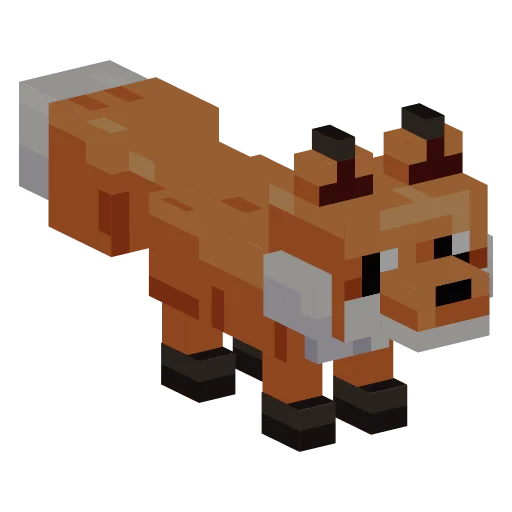


Describe a character, creature or prop. BlockImagine builds it as a .bbmodel with pixel textures, a bone rig and animations, ready to open and edit in Blockbench.
- 01
Describe it
One sentence is enough: what it is, how it looks, its colours. Add how it should move, or attach a photo as a reference.
- 02
Check it in 3D
A few minutes later you can turn it around and play its animations. Not quite right? Say what to change; every version is kept.
- 03
Open it in Blockbench
Download the .bbmodel and open it in Blockbench. Cubes, bone groups, the pixel texture and the animations are all there to edit.
What you download
- › A .bbmodel: a Bedrock entity project with cubes in named bone groups, the texture embedded and keyframe animations
- › The pixel texture as PNG and a preview image
- › A .glb with the same texture and animations for Unity, Godot, Blender and three.js
- › The right to use your models commercially, on every plan including Free
Made with BlockImagine
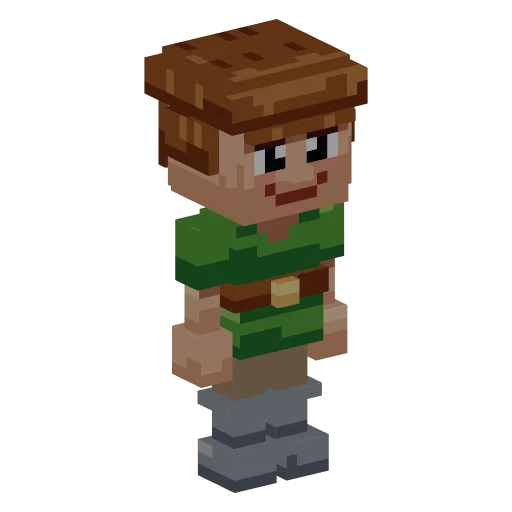 Blocky adventurer› a cheerful blocky adventurer with brown hair, a green tunic, a brown belt and grey boots
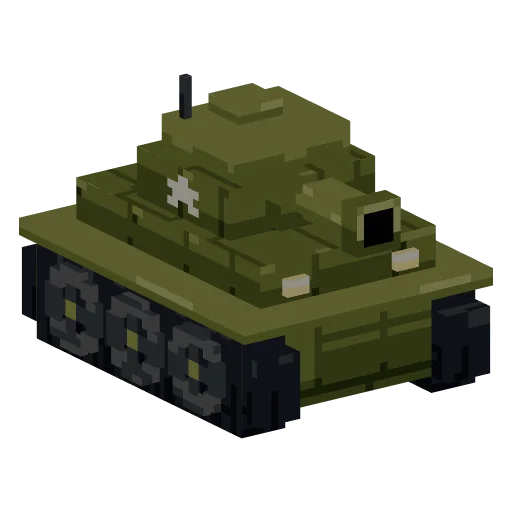 Cartoon tank› a chunky blocky cartoon tank with olive green armour, dark tracks and a short round turret cannon

 Electric forklift› a compact orange electric forklift with a yellow beacon
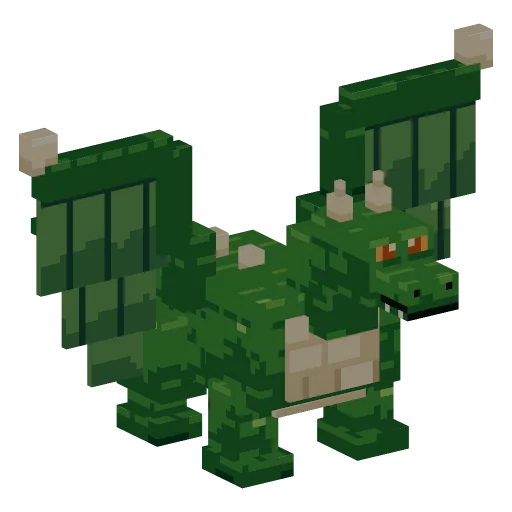 Green dragon› a blocky green dragon with large wings, a cream belly, small horns and orange eyes
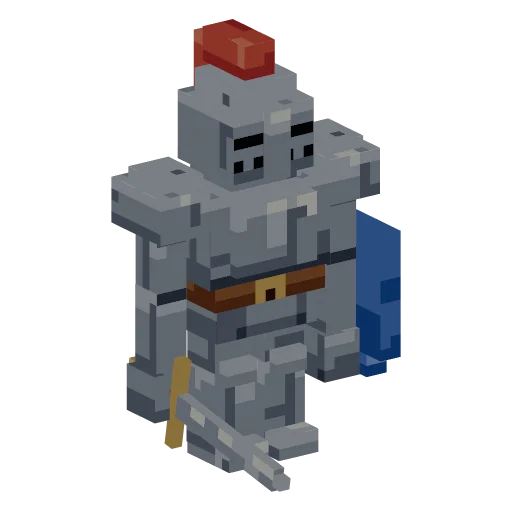 Armoured knight› a blocky armoured knight in silver plate armour with a red plume, a blue shield and a sword
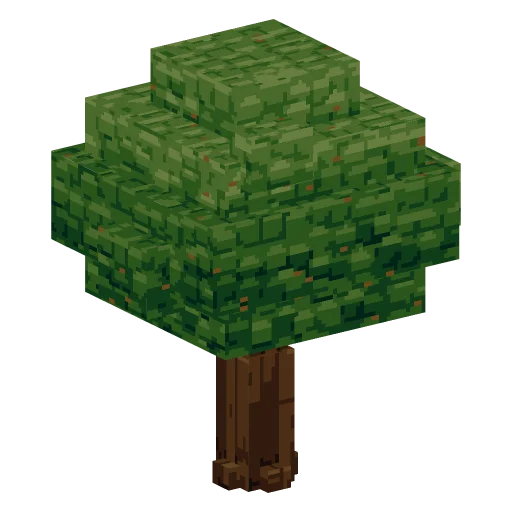 Oak tree› a blocky oak tree with a thick brown trunk and a round canopy of layered green leaf cubes
Can I edit the model in Blockbench?
Yes. The .bbmodel opens in Blockbench like a project you built yourself: move cubes, repaint the texture, change keyframes or add animations.
Which Blockbench format is it?
A Bedrock entity project with per-face UVs. Blockbench can convert it to other formats if your project needs one.
Does it work in Minecraft?
BlockImagine makes the model, not an add-on, resource pack or mod. Blockbench can export the geometry and animations for Minecraft Bedrock; we have not tested the result in the game, so check it there.
What does it cost?
Every account gets 30 free credits a month. A new model costs 10 credits, an animation 5, and failed jobs are refunded. Downloading a model you made is always free.
Can I use the models in a commercial project?
Yes. The models you create are yours to use commercially, on every plan including Free.
Your first model is one sentence away.
Sign in with your email, get 30 free credits every month and watch your first model build in about a minute.